
Google finished the global rollout of the Search Console AI report on August 31, 2026. So every property can now see how often Google’s AI features surface its links. But the report hands you one metric: impressions. No clicks, no average position, and no way to split AI Mode from AI Overviews. If you planned to prove that AI search drives revenue, this report will not do it. Read it as a reach number instead, then get your click data somewhere else.
Google shipped the report to every property on August 31
Google completed the worldwide rollout on August 31, 2026, as Search Engine Land reported. Three things arrived together. One report covers AI features in Search. A second covers AI features in Discover. The third item is a control that keeps your site out of both.
Google’s help pages still warn that the rollout continues in places. So if your property shows nothing yet, wait a few days before you file a bug. Small sites may never see it at all, because Google only builds the report for properties with enough AI impressions to fill it.
That last detail matters more than it sounds. A client with thin AI visibility gets no report, and an empty screen reads like a zero. In fact it means Google withheld the data. It does not mean nobody saw you.
The third item, that control, deserves a closer look than most teams will give it. Google says the opt-out applies only to those generative AI surfaces. So it carries no weight as a ranking signal elsewhere in Search, and it changes nothing about AI training either. Still, flipping it costs you every impression the Search Console AI report tracks. Nobody should touch it without a written reason.
The Search Console AI report tracks one metric, not four
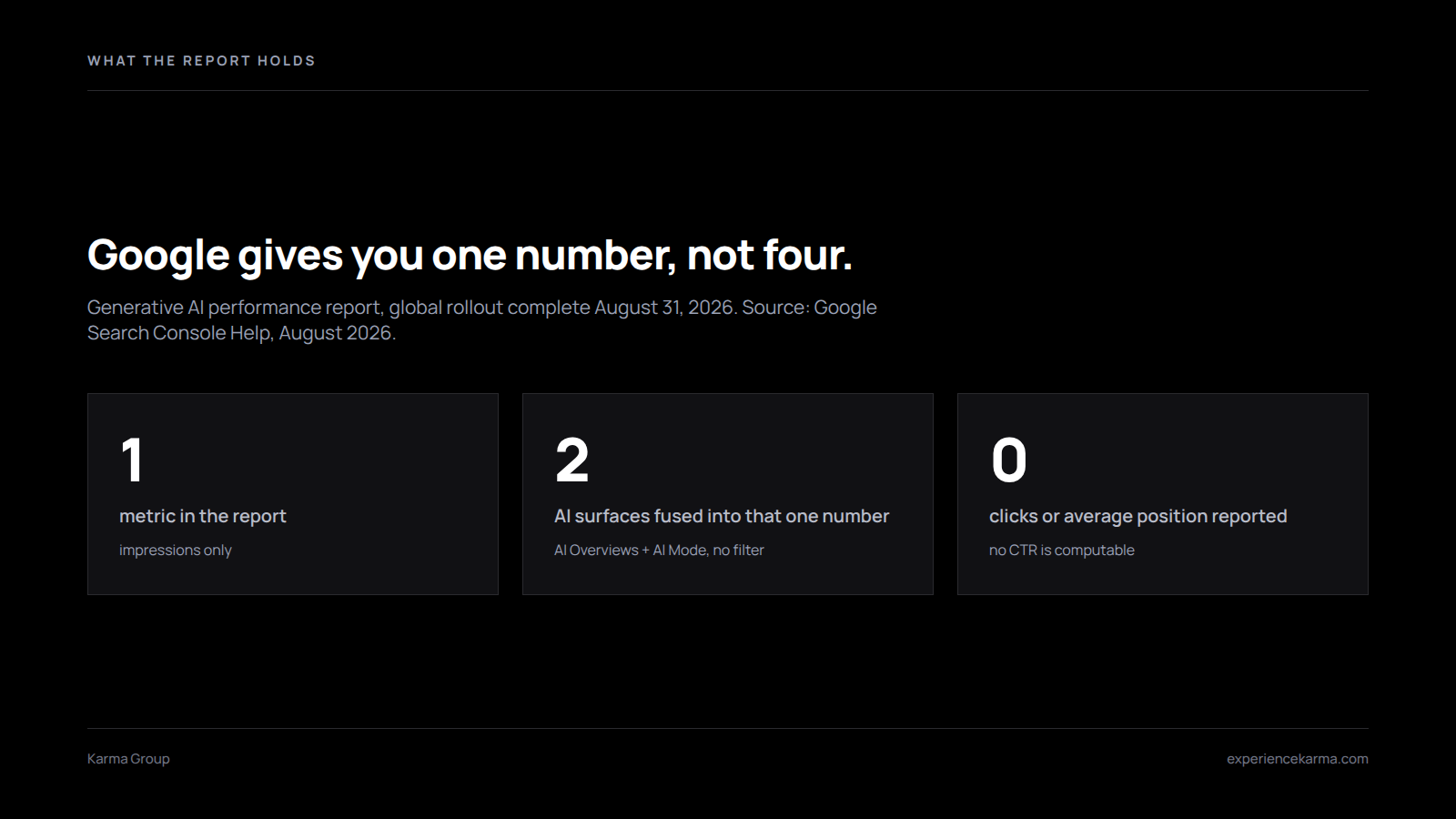
Your regular Performance report gives you four numbers: clicks, impressions, click-through rate, and average position. The Search Console AI report gives you one. Google’s own documentation puts it plainly: impressions count how many times links to your site appeared in a generative AI feature on Search.
So three quarters of your usual toolkit went missing. You cannot compute a click-through rate, because the report holds no clicks. You cannot chart a ranking trend, because it holds no position. And you cannot line AI performance up against organic performance, since only one of those two reports carries both halves of the equation.
Meanwhile the dimensions stayed familiar. You get pages grouped by canonical URL, plus countries, dates and devices. The Discover version drops the device breakdown. Search Labs experiments never appear at all.
Canonical grouping earns one warning. Because the report credits the canonical URL, duplicate and parameter versions of a page collapse into the version you picked. Usually that helps. But a messy canonical setup will quietly misfile your AI impressions, and you will never see the error in this report.
AI Overviews and AI Mode arrive fused together
Here is the limit that will cost you the most. The report merges AI Overviews and AI Mode into a single impression count, and no filter pulls them apart. Search Engine Journal confirmed the data breaks down by page, country and date only.
Yet those two surfaces behave nothing alike. AI Overviews sit on top of a normal results page, so a user still scrolls past them to blue links. AI Mode replaces the results page with a conversation. One surface sends traffic. The other mostly keeps it.
Fusing them buries the distinction you actually need. When your AI impressions climb 40% next month, you will not know whether AI Overviews picked you up or AI Mode started citing you. Those two facts point to opposite strategies. Still, the report gives you a single line.
A partial workaround exists. Run the Search Console AI report next to your GA4 referral data, then watch the two move. Impressions with no matching referrals point toward AI Mode. Impressions that track alongside referral growth point toward AI Overviews. Neither source proves it alone. Together, though, they bracket the answer well enough to plan against.
An impression here does not mean what it means in search
An organic impression is simple. A listing appeared on a results page. Generative AI counts differently, and the rules shift by surface.
In AI Overviews, a link only counts once a user scrolls or expands it into view. In AI Mode, every follow-up question counts as a fresh query, so links in the next answer can add fresh impressions. One curious user can therefore inflate your numbers in a way that organic search never would.
Aggregation adds a second trap. At property level, several of your URLs inside one AI answer may count as a single impression. At page level, each of those URLs may pick up its own. So your page totals will not add up to your property total. Nothing broke. The two lines simply measure different things.
Three numbers the Search Console AI report cannot give you
Clients will ask for all three. Prepare the answer before the call.
- An AI click-through rate. The report has no clicks, so any rate you present came from blending two datasets that do not line up.
- AI Mode share of voice. Because both surfaces sit in one bucket, nobody can split them out from this report alone.
- Revenue from AI search. Impressions do not convert. For money questions, use GA4 referral data from chatgpt.com, perplexity.ai and gemini.google.com instead, or one of the AI visibility tools built for it.
The Search Console AI report still earns a place in your reporting. Just label it correctly. It measures reach inside Google’s AI answers, and nothing beyond that.
One publisher’s data shows where AI impressions land
Numbers from a single site are not a law of nature. Still, they beat guessing. Hog the Web published a 99-day analysis on August 27, 2026, covering 366,000 AI impressions on a large health information site between May 18 and August 24.
Two findings should change how you read your own numbers. First, AI impressions ran to 24.3% of that property’s total Search impressions. That share is too large to shrug off.
Second, the spread was brutally top-heavy. Just 14 pages drove roughly 81% of all AI impressions across 155 URLs. Mobile carried 72.4% of AI impressions, against 63% of overall Search impressions.
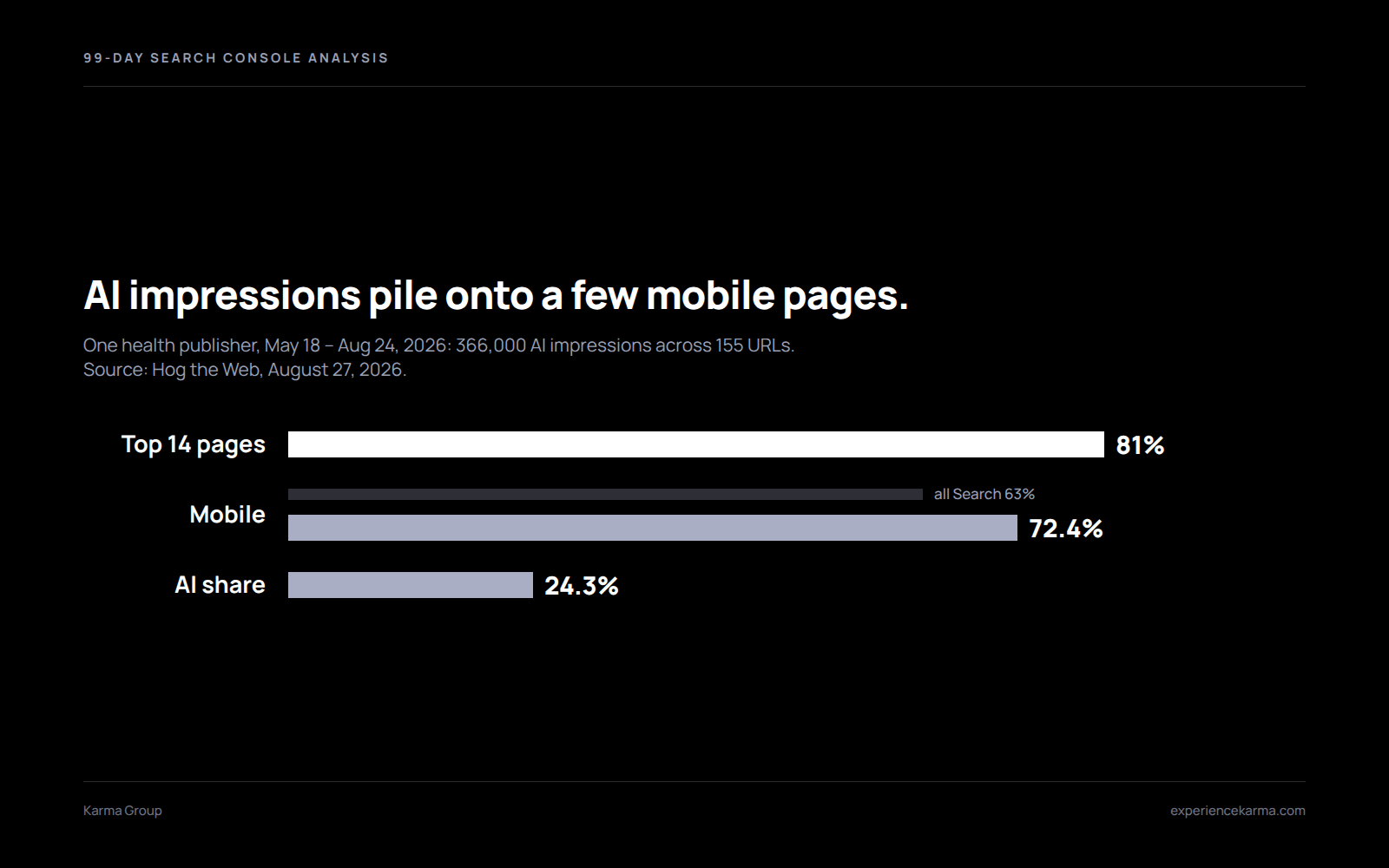
Treat that as a hypothesis for your own site, not a benchmark. One health publisher is not your market, and the study comes from an agency that sells AI search work. But the shape holds up elsewhere. A handful of pages usually does nearly all the work.
What to do with the Search Console AI report this week
Four moves, in order. None of them take long.
- Export 90 days of AI impressions, then sort by page. Find the few pages carrying most of the total.
- Compare that list against your top organic pages. Where the lists diverge, you have found content that AI systems like and rankings do not, or the reverse.
- Rebuild your reporting template now. Move AI impressions into a reach section, well away from clicks and revenue.
- Read the generative AI control before you touch it. Turning it off pulls your site from those surfaces entirely, though Google says the setting carries no weight as a ranking signal elsewhere in Search.
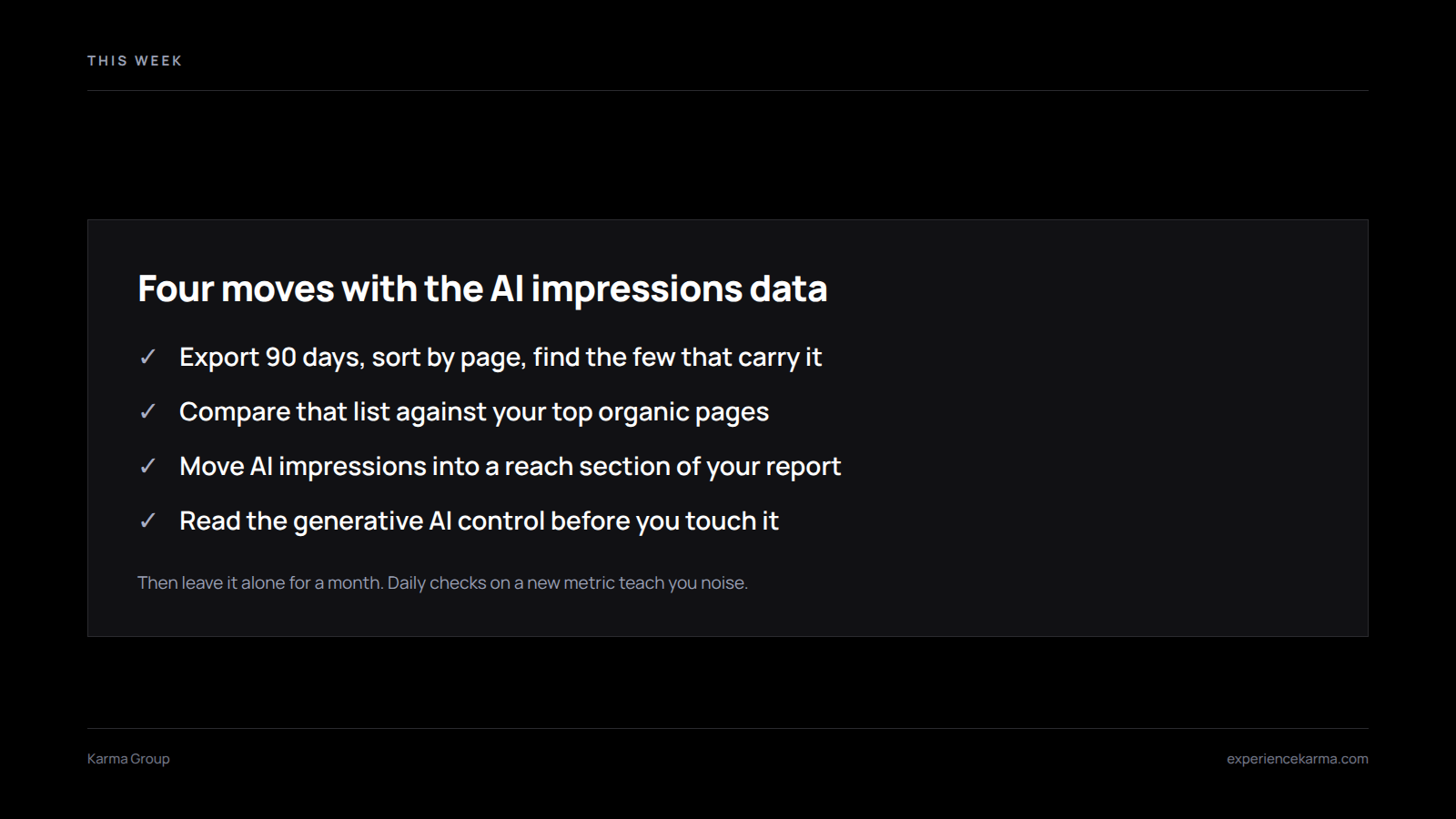
Then leave it alone for a month. Daily checks on a brand-new metric teach you noise, not truth.
Want help reading your AI search numbers?
Karma Group builds AI visibility reporting that survives a hard question from finance. We map which pages earn AI impressions, where citations come from, and what any of it does to pipeline. Talk to us and we will read your Search Console data with you.